Guides
Headless CMS: What it is and when it's worth it for your website
What a headless CMS is, how it differs from WordPress, which systems are out there and when switching makes sense for a business website.

By Christian Schmitt
4 min readKey takeawaysThe main points and every section to jump to.Show or hide the summary
- 01
A headless CMS only manages content. The website fetches it through an API and renders it with its own frontend.
- 02
The upsides are fast, prebuilt pages, a smaller attack surface and one CMS for several channels like website and app.
- 03
In return, you run two systems and need someone who can change the frontend for new page types.
- 04
Well-known systems are Contentful, Storyblok and Sanity as hosted services, and Strapi, Directus and Payload for self-hosting.
- 05
For a business website with a small editorial team, a CMS built into the website, like EmDash in Astro, is often enough.
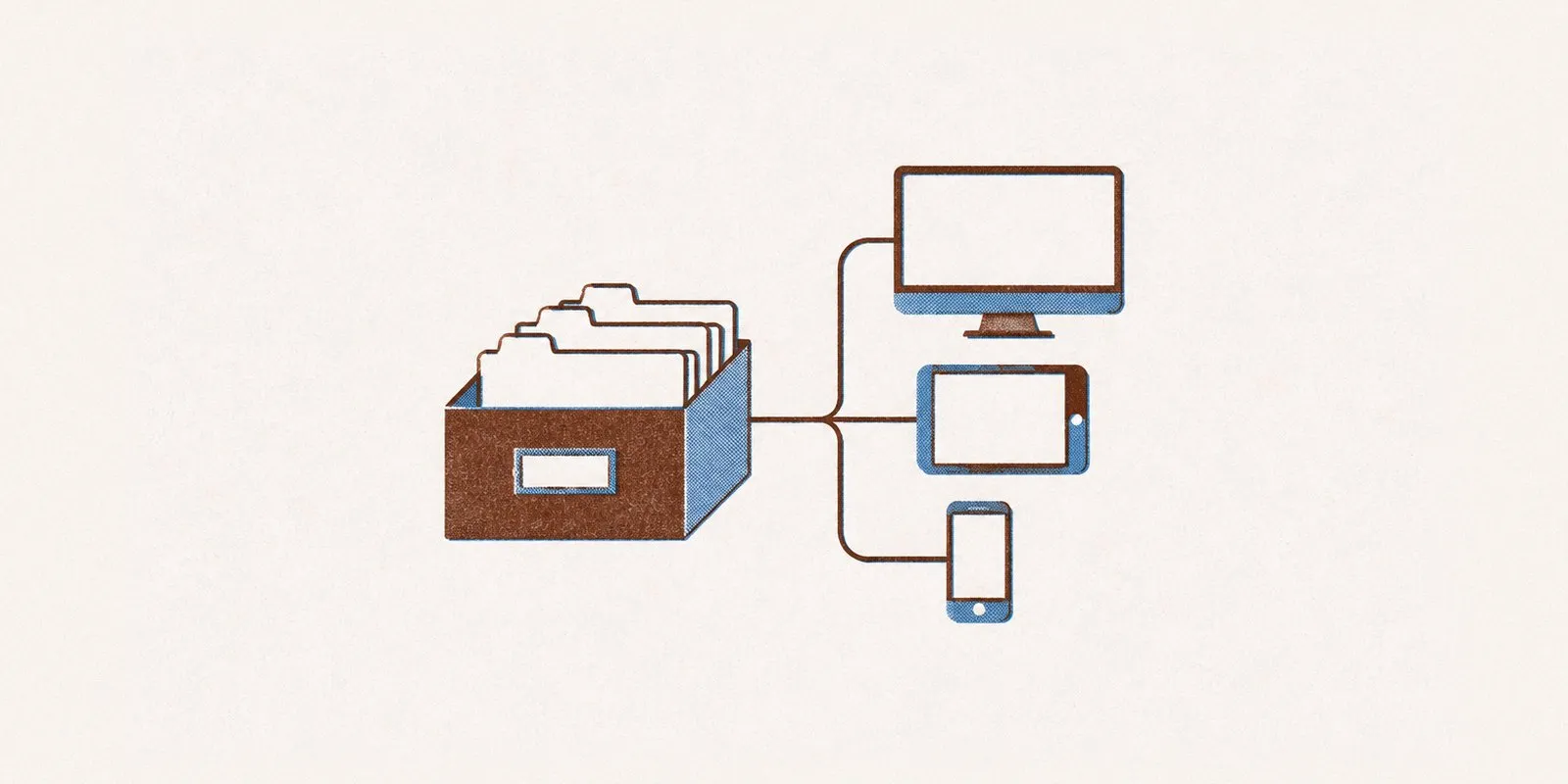
A headless CMS is a content management system without its own presentation layer. Your team edits text, images and pages in an admin interface, and the website pulls the content through an API. A separate frontend decides how the pages look, built with Astro or Next.js, for example. That’s where the name comes from: the system has no head, meaning no website that visitors see.
Traditional CMS vs. headless CMS
In a traditional CMS like WordPress, everything lives in one system: content, design through the theme and features through plugins. When someone opens a page, WordPress assembles it from the database, unless a cache sits in between.
A headless CMS has two parts:
- The CMS stores the content and serves it through an API. It has no public website.
- The frontend fetches the content and turns it into pages. Often they’re built ahead of time as finished HTML files that a network like Cloudflare delivers worldwide.
Less changes for your editors than it sounds. They still work in an interface with fields for title, text and image. What they lose is the ability to rearrange the layout freely with a page builder.
Advantages of a headless CMS
- Page speed: Prebuilt pages reach visitors without a database query.
- Security: The website itself runs no login and no plugins, so attackers find far fewer ways in.
- Freedom in the frontend: The site’s design and code aren’t tied to a theme.
- Several channels: The same content feeds the website, an app, a newsletter or a screen in your store.
Disadvantages of a headless CMS
- Two systems: You have two logins, two invoices and two things that have to keep running.
- Preview: A preview of the page before publishing has to be set up separately.
- Dependence on the frontend: New page types or fields need someone who can change code.
- Cost: Hosted services often charge by users, languages or number of entries. With several editors, that quickly costs more than a traditional CMS.
Well-known headless CMS options
Hosted (SaaS): Contentful, Storyblok and Sanity. You pay a monthly plan, and the provider handles servers and updates. Storyblok has a visual editor that shows your team the page while they edit.
Self-hosted: Strapi, Directus and Payload. The source code is open, and you run the CMS on your own server. That saves license fees and costs you maintenance.
Headless WordPress: WordPress comes with a REST API. Your team stays in the interface it knows, and a separate frontend builds the pages. It’s a common middle step when a company wants to replace WordPress as the website without retraining its editors.
EmDash: the CMS inside the website
EmDash takes a third route. The CMS runs as part of the Astro website, with its own admin interface on the same domain. On Cloudflare Workers, the content sits in a D1 database and the images in R2. Website and CMS ship together, so there’s only one system.
The EmDash documentation recommends a separate headless CMS when several applications draw on one shared content service. EmDash fits when the editors and the website benefit from one shared application. That’s the case for most business websites. For the comparison with WordPress, see EmDash vs. WordPress.
When a headless CMS is worth it
A headless CMS pays off if at least one of these applies:
- The same content appears on your website, an app and other channels.
- You have a development team or an agency that looks after the frontend long term.
- Many editors work with approval steps in several languages.
For a business website with 10 to 50 pages, a small editorial team and no in-house developers, a CMS inside the website is usually the better choice: fewer systems, one invoice and a preview that works from day one.
How the switch from WordPress works
- Export your content from WordPress and check which page types you have.
- Create a content model in the new CMS, with fields for each kind of page.
- Build the frontend and import the content.
- Keep all old URLs or 301-redirect them to the new ones so your Google rankings stay.
For what this looks like with Astro, see the page on migrating from WordPress to Astro.
Questions
A headless CMS is a place to manage text, images and pages that has no website of its own. The content lives there, and a separately built website or app fetches it through an API and displays it.
Not out of the box. WordPress manages content and displays it itself through its theme. With its built-in REST API, though, you can run WordPress headless: your team keeps editing in WordPress, and a separate frontend, for example built with Astro, generates the pages.
Strapi and Payload are open source and free to self-host. You then pay for the server, the database and maintenance. Contentful, Storyblok and Sanity have free starter plans with limits on users and content.
Yes, as long as the frontend delivers finished HTML, meaning it builds the pages ahead of time or on the server. If the page only comes together in the browser through JavaScript, some crawlers see an empty shell. That applies to AI crawlers in particular.
For the setup, yes. Someone has to create the content model and build the frontend that displays the content. After that, your team edits content without code. For new page types, you need someone to extend the frontend again.
