Guides
EmDash CMS: What it is, what it costs and who it's for
EmDash is Cloudflare's free CMS. What your team does with it, what running it costs and how moving from WordPress works.

Key takeawaysShow or hide the summary
- 01
EmDash is a free CMS from Cloudflare where your team edits the text, images and posts on your website.
- 02
The stable version 1.0 has been out since September 28, 2026. EmDash contains no WordPress code.
- 03
Plugins from the EmDash directory run isolated and can only do what they declared up front. WordPress plugins don't run in EmDash.
- 04
The software is free. On Cloudflare, a simple website runs on the free plan.
- 05
You bring over WordPress content with the WordPress export file or the EmDash Exporter plugin.
In this post7
EmDash is a free content management system (CMS) from Cloudflare. Your team uses it to edit the text, images and posts on your website without touching code. EmDash is built on Astro, a tool for fast-loading websites. The stable version 1.0 came out on September 28, 2026, and the current version is 1.5.0 from November 11, 2026.
What is EmDash?
A CMS is the program behind your website where you change the content. The best-known one is WordPress. EmDash does the same job, but it was written from scratch and contains no WordPress code. That’s why it’s under the open MIT license rather than WordPress’s license (GPL).
Cloudflare is behind EmDash. The company runs data centers around the world and delivers websites through them. The source code of EmDash is public on GitHub, and anyone can use and modify it.
What your team does in EmDash
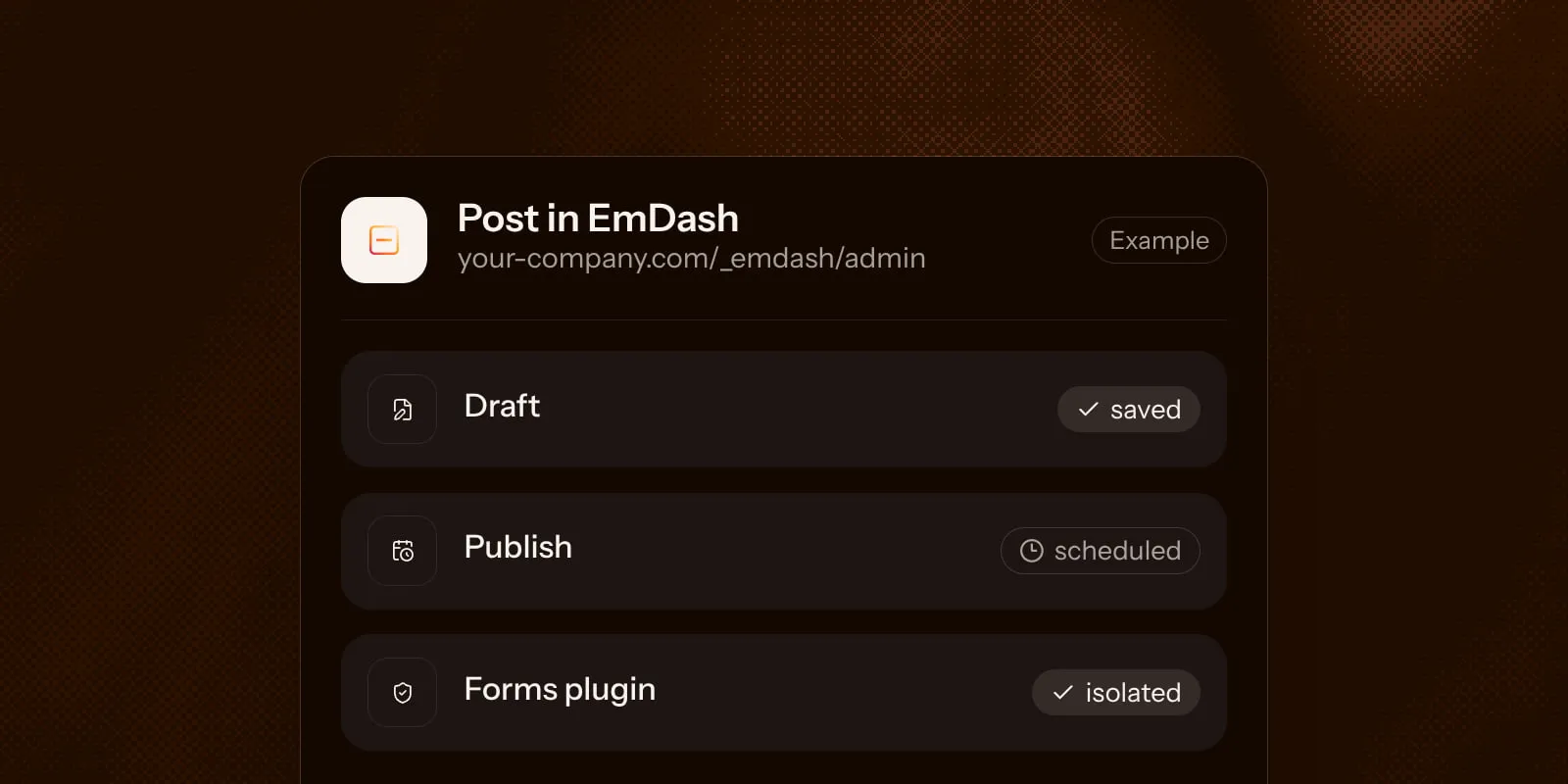
Your team works in an admin area at yourdomain.com/_emdash/admin. It has:
- Posts and pages: Write text, save it as a draft, publish it or schedule it for a later day.
- Earlier versions: Saved versions of a post are kept when the feature is turned on. You can compare them and restore one.
- Media library: Upload images and files and replace them later.
- Menus and categories: You manage the navigation and your blog’s topics yourself.
- Writing together: When the site is set up for it, several people work on one post at the same time.
EmDash has five roles with different permissions. Someone with the Author role publishes their own posts. An Editor publishes everyone’s. Your team signs in without a password, for example with a passkey. A passkey lets you sign in with your fingerprint, face or device PIN.
Unlike WordPress, your team doesn’t drag layouts together in a page builder. How a page looks is set by the template the developer builds.
How EmDash differs from WordPress
The biggest difference is plugins, add-ons such as a contact form or a newsletter. According to Cloudflare, 96 percent of security issues on WordPress sites come from plugins. In EmDash, plugins from the directory run isolated and can only do what they declared up front.
WordPress plugins and themes don’t run in EmDash. EmDash makes its own forms plugin. SEO fields, a sitemap and redirects are built in. The directory for other plugins at plugins.emdashcms.com is still small.
EmDash also comes with a connection for AI assistants. With it, an AI assistant like Claude can create a draft for you to review before it goes live. What the assistant may do depends on your role in EmDash.
For a full comparison of security, cost and migration, see EmDash vs WordPress.
Where EmDash runs
EmDash is built mainly for Cloudflare. The text then sits in Cloudflare’s database and the images in Cloudflare’s file storage. You don’t need a server of your own that someone has to look after.
EmDash also runs on a server that you or a hosting company operates. Then you take care of maintaining and backing up that server.
What EmDash costs
The software costs nothing. On Cloudflare, a simple website can run on the free plan. Plugins from the directory need Cloudflare’s Workers Paid plan, from $5 a month (Cloudflare, as of November 2026).
You also pay for designing and setting up the site. For what a new website costs overall, see How much does a website cost?
Who EmDash is for
EmDash is a good fit if:
- your website should load fast and you don’t want to maintain a server.
- your team edits text and posts itself while the layout stays fixed.
- you’re tired of constant plugin updates and security warnings in WordPress.
Another system fits better if:
- you want to keep your current website. Moving to EmDash means rebuilding the site with Astro.
- your team wants to design pages freely in a page builder. That’s what Webflow and WordPress are made for.
- your business depends on a WordPress plugin, for example a store built with WooCommerce, the shop plugin for WordPress.
Moving from WordPress to EmDash
EmDash can bring over content from WordPress. There are two ways:
- Export file: In WordPress, go to Tools → Export, download all content as a file and upload it to EmDash. Posts, pages, categories, menus and authors come along. EmDash then copies the images from your old website.
- EmDash Exporter plugin: You install it in WordPress and connect it to EmDash. Then SEO fields, settings and comments come along too.
The old website has to stay online until everything is moved and checked. To keep your pages in Google, every changed address needs a redirect to its new one. You can set up redirects right in EmDash.
Questions about EmDash
Yes, EmDash is free and released under the MIT license. You pay for hosting and for building your site. On Cloudflare, a simple site can run on the free plan. Directory plugins need the Workers Paid plan, from $5 a month.
EmDash comes from Cloudflare. The source code is public on GitHub. The stable version 1.0 came out on September 28, 2026.
No, EmDash also runs on your own server. On Cloudflare there's no server to patch or maintain. Your developer updates EmDash itself either way.
Yes, EmDash imports WordPress content from the export file or through the EmDash Exporter plugin. Posts, pages, categories and menus come along, and EmDash copies the images from your old website. WordPress plugins and the design don't; the templates get rebuilt in Astro.
Yes, EmDash has a built-in connection for AI assistants like Claude or ChatGPT. The assistant can create drafts and search content. What it's allowed to do depends on your role in EmDash and the permissions you grant when connecting.
